












Contents
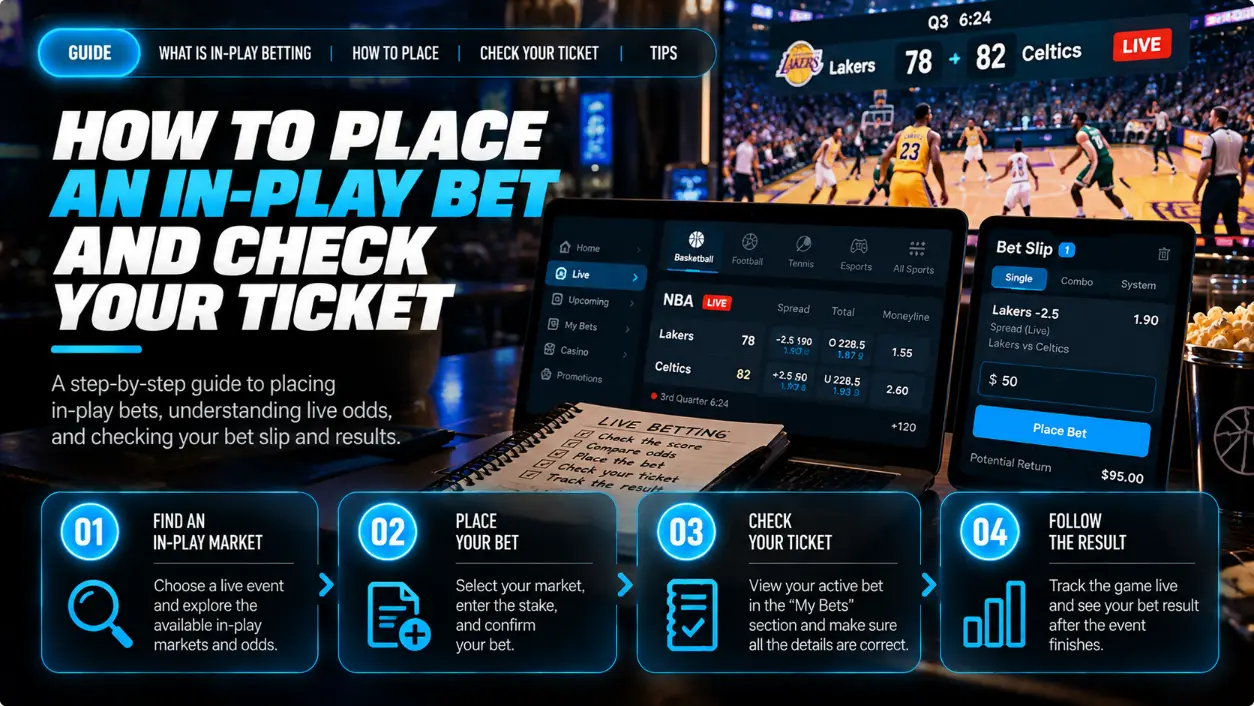
To place an in-play bet, choose an ongoing event and selection, check the market and settlement period, enter your stake in the betting slip, review the odds and submit your request. Then wait for confirmation of acceptance: displayed odds and a submitted request do not mean that a bet has been accepted. Check settlement against the confirmed ticket, not the original display.
Live sports betting means betting while an event is in progress. The walkthrough below uses a fictional example and bet365’s public help pages—not a real bet365 ticket or an examination of its logged-in interface. bet365 is used only as a documented example, not as a recommendation or a claim that it is available in your location.
Check the Event, Market, Selection and Period
Before submitting a live bet, check exactly which event, market, selection and period it covers, along with any numerical line. The same match score can produce different results for different markets.
| What to check | What it determines |
|---|---|
| Event | The intended match and participants |
| Market | The condition used to settle the bet |
| Selection | Your chosen outcome within that market |
| Line, where applicable | A numerical threshold, such as a total |
| Period | The entire specified period or a particular part of the match |
A 1X2 market has three selections: home win, draw and away win. A totals bet depends on the selected line and market rules. A period-specific bet covers that period, while a next-event bet covers the event specified in its terms. These are different settlement conditions, not interchangeable ways to pick a winner.
For a standard football regulation-time result market, settlement covers the scheduled 90 minutes plus stoppage time, excluding extra time and penalty shoot-outs. Exceptions exist, so read the wording of the specific market. See bet365’s football result rules, viewed on 2026-10-15.
Separate Displayed Odds from Accepted Odds
Treat a bet as accepted only after receiving confirmation, such as a receipt with a ticket reference. Submitting a request or seeing a loading indicator is not a substitute for that confirmation.
There are three distinct stages:
- Displayed selection and odds. You can see an available selection and its price.
- Bet request. You submit the betting slip, but acceptance is not yet confirmed.
- Accepted ticket. The operator confirms acceptance. The recorded selection, accepted odds and accepted stake are what matter when checking the bet.
If the odds change, do not assume the original terms still apply. According to bet365’s bet placement help, changes appear in the betting slip, where you can remove the selection or accept the new terms. There is also a setting for automatically accepting changes. Check that setting before submitting: do not assume it works identically in every case or that every change requires the same action. Both increases and decreases in odds may require agreement to new terms. Source viewed on 2026-10-15.
Bet acceptance delay and broadcast delay are different risks. The first concerns the wait for confirmation of your request; the second means the pictures you are watching lag behind the event. What you see on a broadcast therefore does not guarantee that a market is still available on those terms. Broadcast delay is addressed in the Gambling Commission’s RTS 15 standard. This standard applies to Great Britain only; it was updated on 2024-05-07 and viewed on 2026-10-15. The ability to bet during a match does not itself make a bet profitable.
What to Do if a Market Is Suspended or a Request Is Rejected
Without an accepted ticket, there is no accepted stake to settle. Do not record a rejected request as a loss or describe the absence of an accepted bet as a void or push.
According to bet365’s bet placement guidance, a suspended market may display a padlock. Source viewed on 2026-10-15. If betting is unavailable and you decide to continue, wait for the market’s status to change and check the terms again. The previously displayed odds are not guaranteed.
After a rejection or an unclear submission result, first check whether an accepted ticket exists. Do not submit another request simply because you did not notice a confirmation.
Worked Example: Odds Drop from 2.20 to 2.00
If the ticket is accepted at 2.00, settlement uses 2.00—not the previously displayed 2.20. All numbers and the ticket reference below are fictional: this is a teaching example, not a real quote, ticket or operator record.
Assume a football match between Team A and Team B, with Team A leading 1:0 in the 55th minute. The selection is Team A to win in a standard regulation-time 1X2 market: 90 minutes plus stoppage time, excluding extra time and penalty shoot-outs.
The displayed odds start at 2.20, then change to 2.00. In the branch where acceptance is confirmed, the ticket reference is DEMO-001, the accepted stake is 100 hypothetical units, and the accepted odds are 2.00.
| Hypothetical branch | What was accepted | Result and settlement |
|---|---|---|
| Ticket accepted; score at 90+ is 2:1 | 100 hypothetical units at 2.00, reference DEMO-001 | Win: return of 200, including the stake; net profit +100 |
| Ticket accepted; score at 90+ is 1:1 | 100 hypothetical units at 2.00, reference DEMO-001 | Loss: return of 0; net profit −100, even if Team A subsequently wins in extra time |
| Request rejected or market suspended before acceptance is confirmed | No accepted ticket | No bet settlement based on the proposed stake of 100 |
For the winning branch, the hypothetical return is 100 × 2.00 = 200, and net profit is 200 − 100 = +100. For the losing branch, net profit is 0 − 100 = −100.
The calculation 100 × 2.20 = 220 illustrates terms that were not accepted; it is not the return for ticket DEMO-001. These results are whole numbers, so no rounding is required. The calculation applies only to the market conditions stated in this example.
Original fictional live bet process diagram showing selection, changed odds, ticket acceptance and settlement checksA fictional diagram, not an operator screen: only the green accepted-ticket branch leads to checking the result and return. The red refusal/suspension branch has no accepted bet.
Check the Receipt and Betting History Before Settlement
Use the operator’s record of the accepted ticket as your reference, not the odds initially displayed. Check the exact accepted stake, accepted odds, selection, market, period and ticket reference.
bet365’s public placement help gives this route: account icon → “History” → choose “Settled Bets” or “Unsettled Bets” (two separate options), select the date range and relevant bet, then open “Bet Details”. The bet reference is at the top. If a new request’s status is unclear, check “Unsettled Bets” with the relevant date range selected. Only public Help was inspected, not an authenticated account interface. Source viewed on 2026-10-15.
For the fictional ticket DEMO-001, check that:
- The accepted stake is 100, not a different amount.
- The accepted odds are 2.00, not the previously displayed 2.20.
- The selection is Team A to win.
- The market is standard regulation-time 1X2.
- The period excludes extra time and penalty shoot-outs.
- The ticket reference matches the acceptance confirmation.
Once the event ends, compare settlement with the result for the selected period. A void or push is a separate outcome governed by the ticket’s rules; do not assign one yourself because a market was suspended or you disagree with settlement. If the score, rules or settlement appear inconsistent, contact the operator’s support team with the ticket reference.
Use the Tracker for Manual Records, Not Operator Confirmation
The ToolsGambling bet tracker lets you keep manual records; it does not sync with the operator or verify the result. Records are saved in your browser’s local storage, and there is no dedicated ticket-reference field.
Use the tracker for real accepted tickets only when all journal records share one currency. The global currency selector sets the symbol for the entire journal: $, £, € or ₽. All monetary totals use that symbol without currency conversion; there is no per-ticket currency setting. Record the event, sport, bookmaker, accepted decimal odds, stake and date. Keep the market, settlement period and bet reference separately: there are no dedicated fields for them. Do not save the fictional 2.00 odds, 100 stake example as a real bet: it would count as a monetary entry in the journal’s selected currency and change your local statistics.
Create a record only after the operator accepts the ticket: click “Add as pending” to give it the status “Pending”. After official settlement, manually select “Won” or “Lost” according to the result on the operator’s ticket. Use “Void” only after the operator has actually voided the bet under its rules. If a request is rejected or acceptance is suspended and there is no accepted ticket, do not create a tracker record: that is not a voided accepted bet.
For related reading, see the tennis betting guide or the guide to live arbitrage betting. Neither changes the basic checking sequence: market terms first, confirmed acceptance next, then settlement against the accepted ticket.
Frequently Asked Questions
First check the selection, market, period and rules on the confirmed ticket. A result after extra time may not count for a regulation-time bet. If the discrepancy remains, contact the operator’s support team with your ticket reference.
No. Settlement depends on the sport, market and selected period. A football regulation-time rule does not automatically apply to tennis or other markets.
No. You enter the details and result manually, and records are saved in your browser’s local storage. The tracker does not sync with the operator or verify settlement, and it has no dedicated ticket-reference field.
Evgeniy Volkov
Verified ExpertFullstack developer with a background in mathematics. I build the calculators and game-style tools on ToolsGambling with Pixi.js and modern web tech, and every result uses transparent probability formulas you can verify yourself.